AxelMontini
Members
-
Joined
-
Last visited
-
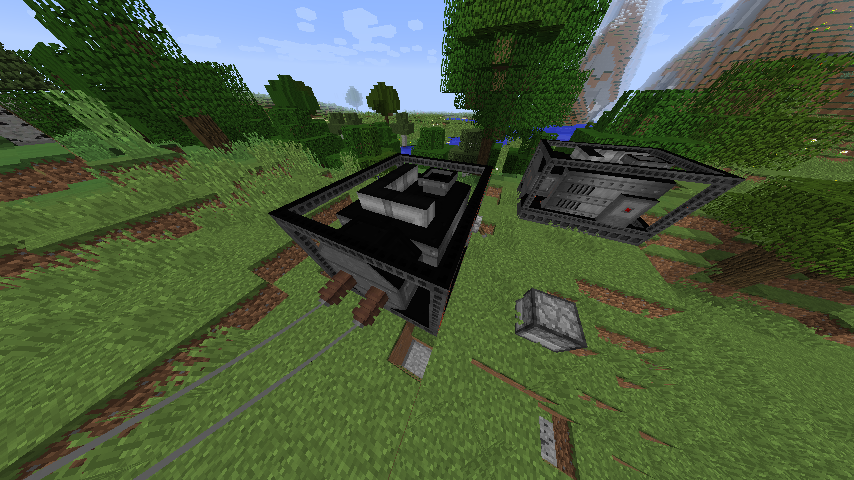
Found a partial fix. After looking into IE's code I noticed that I've forgot to override both Block#isFullCube(IBlockState). This mostly fixed the issue. The remaining problem consists in a poor lighting strength on a side of the block.
-
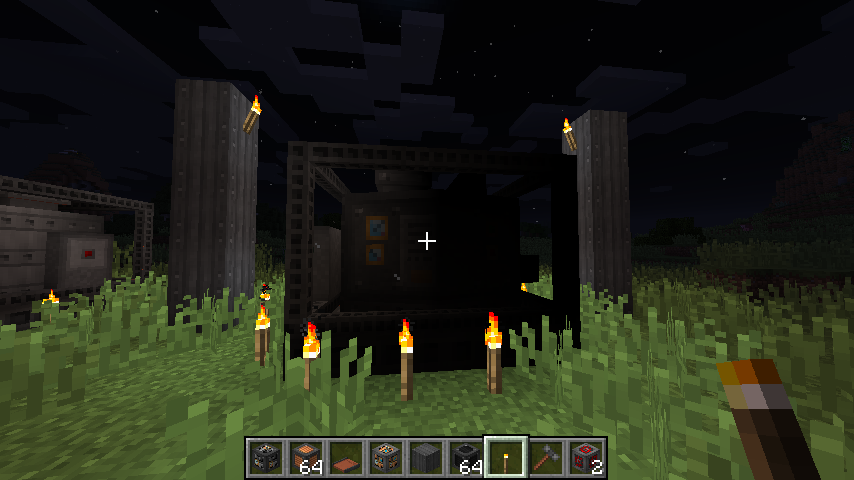
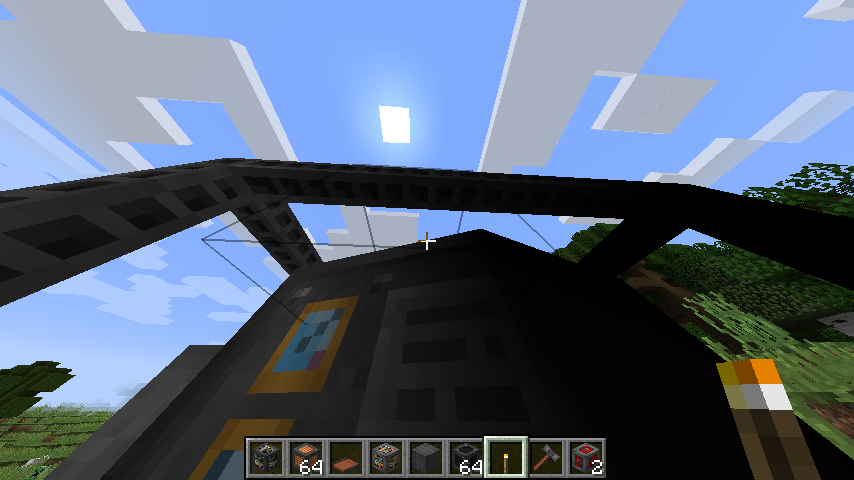
I'm developing my first mod and it's made mostly by multiblocks. The problem I'm getting is about how they are rendered: the shadow is casted on the wrong side or the faces are too dark. Also, when smooth lighting is turned off, some faces appear black. I've had a problem with normals before, but the consequence was to have transparent faces, not black or dark. It's strange because on Blender it's being rendered correctly, but it isn't on Minecraft. What can be causing this? The model is obviously being loaded (both obj and mtl) (Note) The block has no special renderer yet; Only the master block is being rendered with this model; the texture is complete; The other multiblock I've made doesn't have this problem and it have the same superclass.