Jump to content
View in the app

A better way to browse. Learn more.

Forge Forums

A full-screen app on your home screen with push notifications, badges and more.

To install this app on iOS and iPadOS
  1. Tap the Share icon in Safari
  2. Scroll the menu and tap Add to Home Screen.
  3. Tap Add in the top-right corner.
To install this app on Android
  1. Tap the 3-dot menu (⋮) in the top-right corner of the browser.
  2. Tap Add to Home screen or Install app.
  3. Confirm by tapping Install.

binary3310

Members
  • Joined

  • Last visited

Posts posted by binary3310

  1. Just now, _Cruelar_ said:

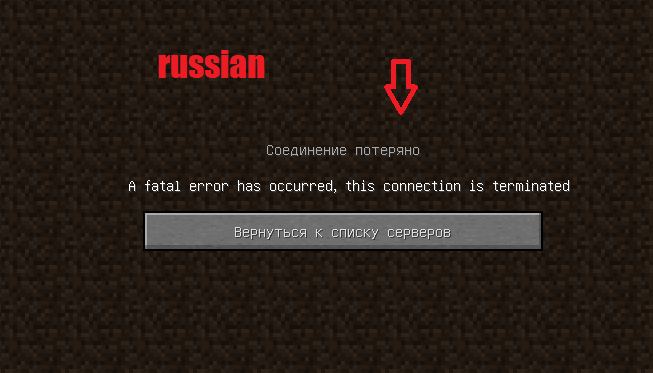
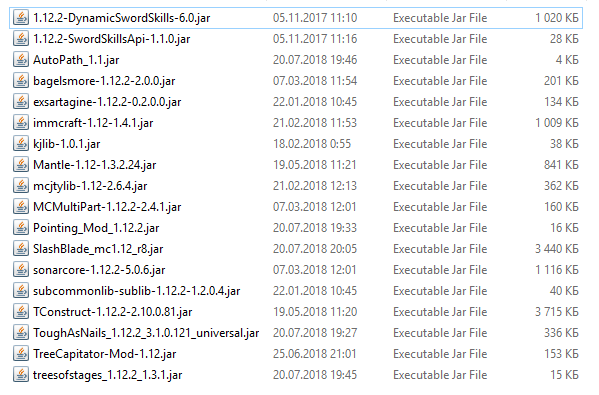
    So something like this never happened to me, but I can give you a common problem while trying to join with several mods:

    2 or more mods conflict with each other: Try to remove one try to play with remaining

    1. It still shows you that: Put the mod in again try again with rmoving the next mod in your list
    2. If not: Congrats, you've found the conflicting mod


    Ok...


Important Information

By using this site, you agree to our Terms of Use.

Configure browser push notifications

Chrome (Android)
  1. Tap the lock icon next to the address bar.
  2. Tap Permissions → Notifications.
  3. Adjust your preference.
Chrome (Desktop)
  1. Click the padlock icon in the address bar.
  2. Select Site settings.
  3. Find Notifications and adjust your preference.