




Kevlarr
-
Joined
-
Last visited
Posts posted by Kevlarr
-
-
-
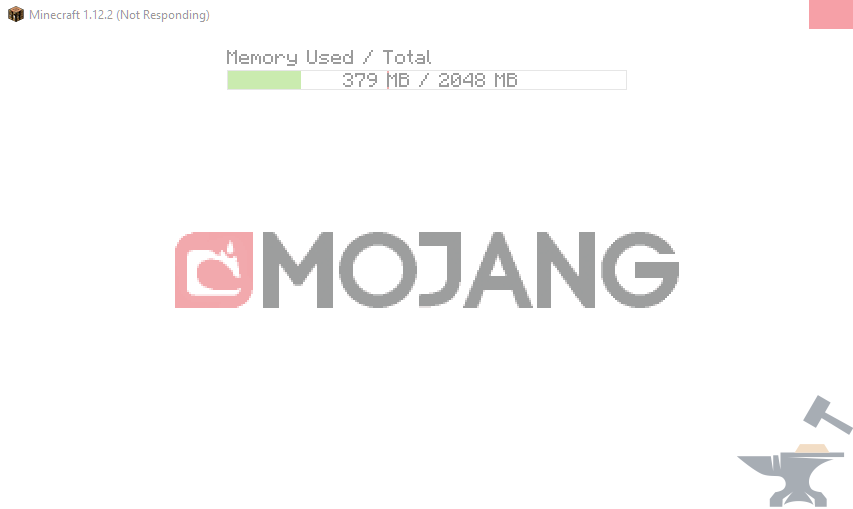
Every time I try to start/open forge it opens up this window and freezes on the minecraft screen where it loads up the mods before reaching the starting screen. Normal minecraft wont start either, the loading bar almost gets to the end and freezes like this too.
-
-
-
3 minutes ago, DaemonUmbra said:
I noticed your computer is automatically storing your documents folder on OneDrive, this may cause problems later.
The main issue though is that you've installed a VERY old coremod, and I'm not sure why you've done this as the Twitch launcher shouldn't be offering you mods that would do this.
So, I dont have a profile on onedrive, it just keeps asking me to make one, should I delete it? And twitch is also useless. Shall I delete them both?
-
Everytime I start forge, the game doesnt even appear, it just instantly opens back up the launcher and tells me the game has crashed. Im new to all of this, so if you could explain the steps easier, it would be nice.The logs I found that were the same date and time as i started it and it crashed. - https://pastebin.com/pNy7juYb
Forge not starting
in Support & Bug Reports
Didn't really understand what it meant, but here's what i could pull. Debug:https://pastebin.com/50VMewA6 Latest:https://pastebin.com/0X1KzDjB