Paint_Ninja
Community Manager
-
Joined
-
Last visited
Everything posted by Paint_Ninja
-
The gamemenumodoption mod seems to be broken, remove it
-
-
-
Thanks. Unfortunately the log doesn't provide any further details. A mod vaguely named "ic_ip" is either on the server and missing on your client, or on your client and missing on the server. "ic_ip" may be an acronym for the mod name.
-
Rule 2. When you need help, please always make a new thread. Do not post in old support threads. https://forums.minecraftforge.net/topic/125488-rules-and-frequently-asked-questions-faq/
-
Please read the FAQ first and try again. Rule 3 - please include links to your debug.log and crash report rather than dumping it in the post directly. https://forums.minecraftforge.net/topic/125488-rules-and-frequently-asked-questions-faq/
-
-
It looks like you have a virus that is breaking connections to Mojang services. Using AdwCleaner and RKill may help fix it. https://www.bleepingcomputer.com/download/adwcleaner/ https://www.bleepingcomputer.com/download/rkill/ Alternatively, you can try manually fixing the hosts file and DNS by following those steps on this guide:
-
-
-
-
It's called Rubidium on Forge
-
-
Update Forge to 47.1.0 or newer
-
We need a debug.log. Please follow the instructions in the FAQ. https://forums.minecraftforge.net/topic/125488-frequently-asked-questions-faq
-
Try this site instead, it allows longer logs https://paste.gemwire.uk/
-
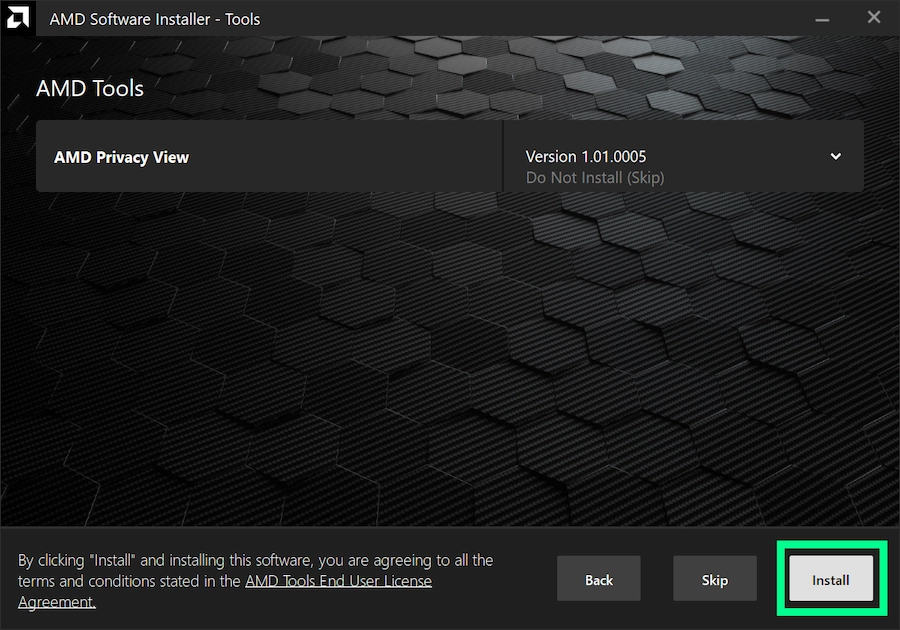
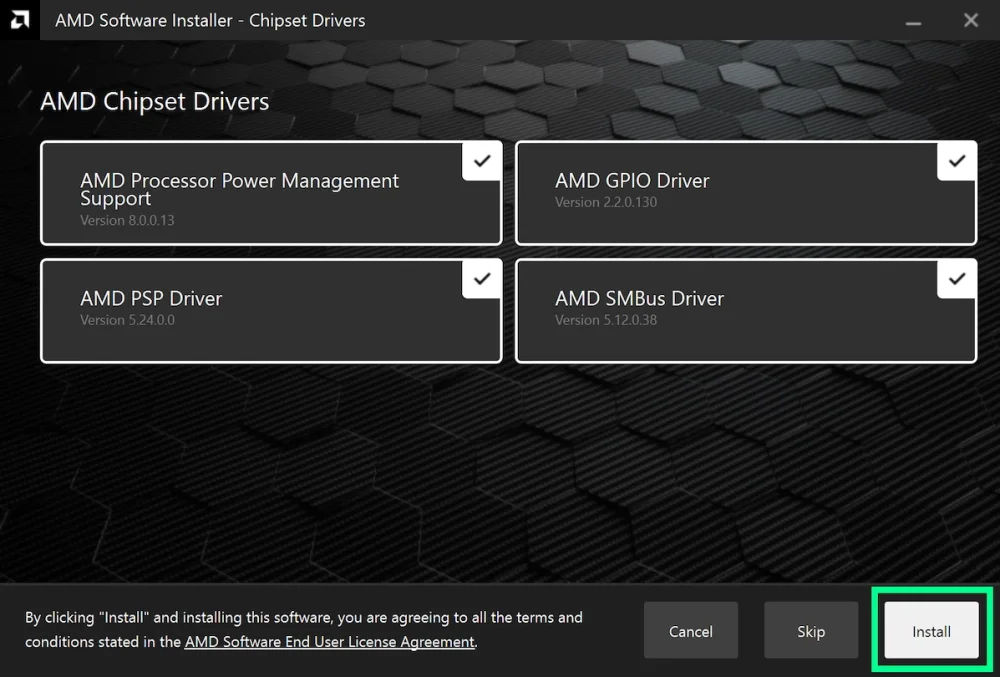
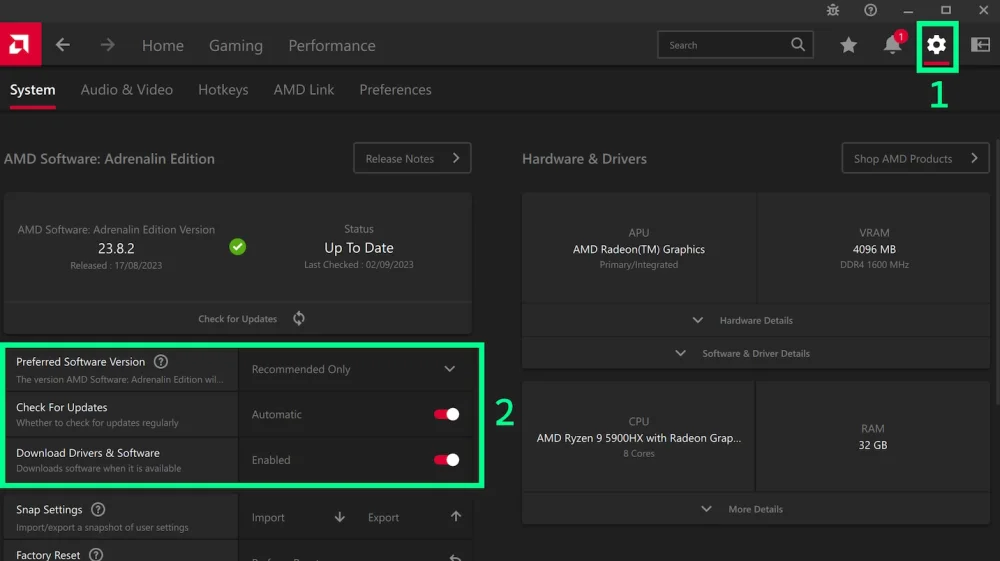
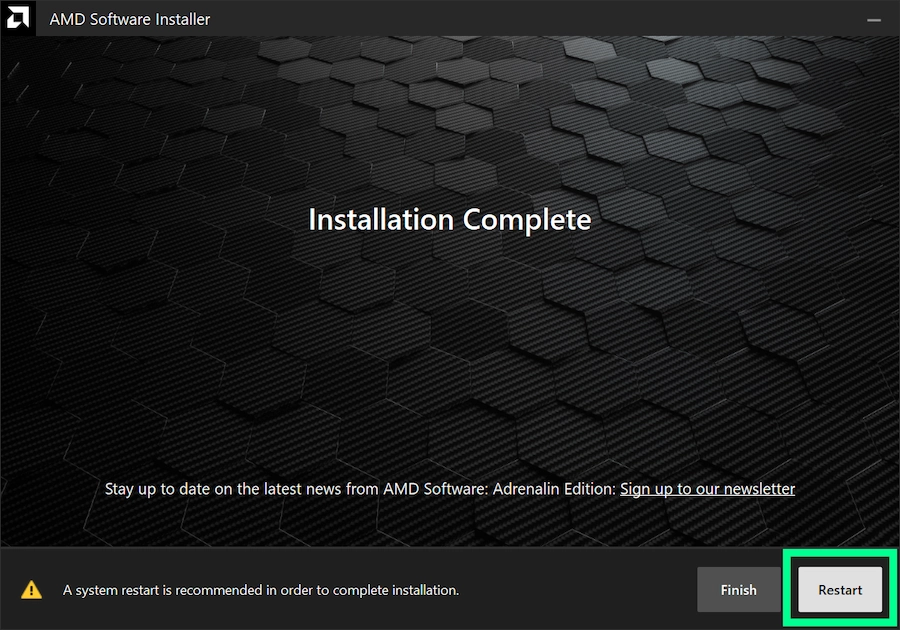
This FAQ has many guides and solutions - reading this before asking for help could save you a lot of time, as it accounts for the vast majority of issues people run into that we're aware of but can't fix on our end. Supported versions and platforms We only support Forge here. We cannot help you with Fabric, Spigot, etc... We support all versions under the tiered support policy. Full support for 26.3, 26.2, 26.1.2, 1.21.11, 1.21.1, 1.20.6 and 1.20.1 Legacy support for all other versions Minimal support for select versions (e.g. 1.20.3 - use 1.20.4 instead) More details here. Rules Piracy (aka "cracked launchers") and cheats (aka "PvP clients", "x-ray mods", etc...) are strictly forbidden here. When you need help, please always make a new thread. Do not post in old support threads. When making a new thread, you must include a link to your log on https://pastebin.com or https://paste.ee. Instructions on where to find this and how to upload it are in this forum post. Exit/error codes Here's a list of exit codes and what they mean: Error code 0: Someone clicked "Quit game" and the game closed successfully Error code 1 and -1: The game crashed, refer to the log and/or crash report for details Error code -1073741819: A game library crashed. Update your drivers and make sure you're using the right Java version Where can I find the debug.log and crash report? Official Minecraft launcher Spoiler CurseForge app Spoiler MultiMC/PolyMC/Prism launcher Spoiler Where can I find the installer log? Spoiler Where can I find the launcher log? Most of the time you don't need to share this, so only share it when asked by a support volunteer or when you're unable to find any debug.log or crash report. Official Minecraft launcher Spoiler CurseForge app Spoiler What version of Java do I need? | Minecraft version | Forge version | Java version | |-------------------|---------------|--------------| | 26.1 or newer | 62.x or newer | 25 | | 1.20.6 - 1.21.11 | 50.x - 61.x | 21 | | 1.18 - 1.20.4 | 38.x - 49.x | 17 | | 1.17.1 | 37.x | 16 | | 1.16.5 or older | 36.x or older | 8 | How do I install Java? Windows Spoiler macOS Spoiler Linux Spoiler How do I install the Forge client to the official Minecraft Launcher? Spoiler How do I install the Forge server? Spoiler Where can I find the forge.jar to start my server? Spoiler Forge immediately crashes on launch without any mods installed, how do I fix it? Spoiler Where can I find Forge mods? https://www.curseforge.com/minecraft/search?page=1&gameFlavorsIds=1 Make sure you download the right version of a mod for your Minecraft version. My game is lagging, how can I find the culprit? Spoiler How do I update my drivers? Spoiler

-
Thanks, however I need the contents of the debug.log rather than the location of it. Double click the debug.log to open it in Notepad, then press Ctrl+A to select everything, then Ctrl+C to copy. Then on pastebin, right click and paste. That should be the contents of the log so I can see it
-
Please don't revive a year-old thread
-
-
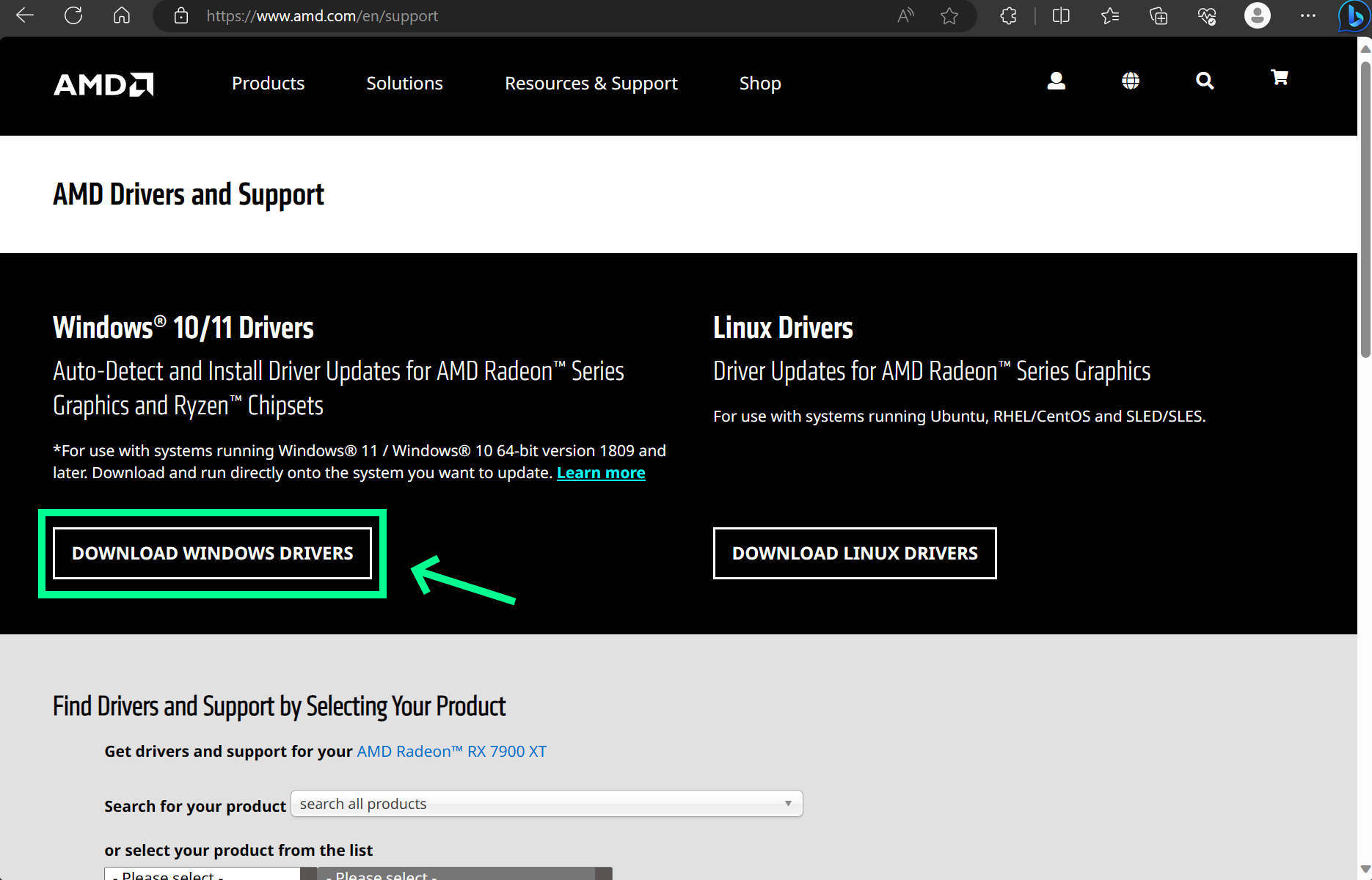
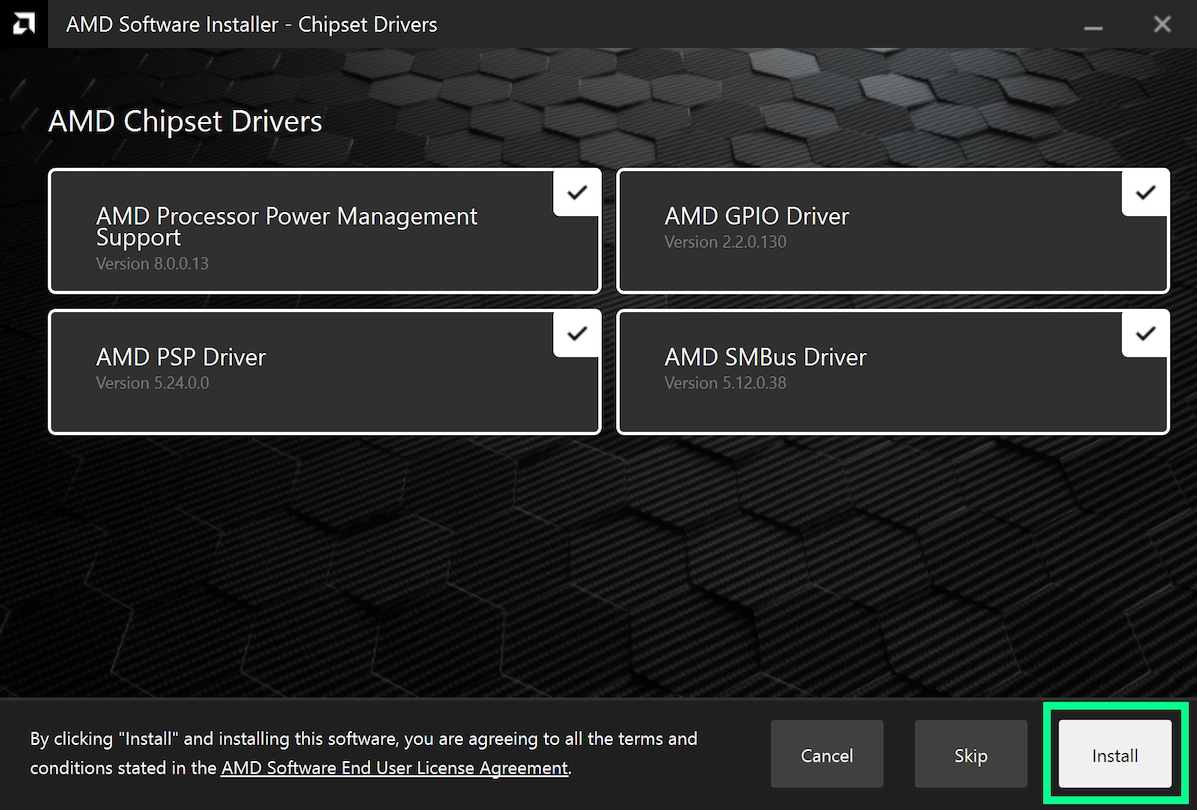
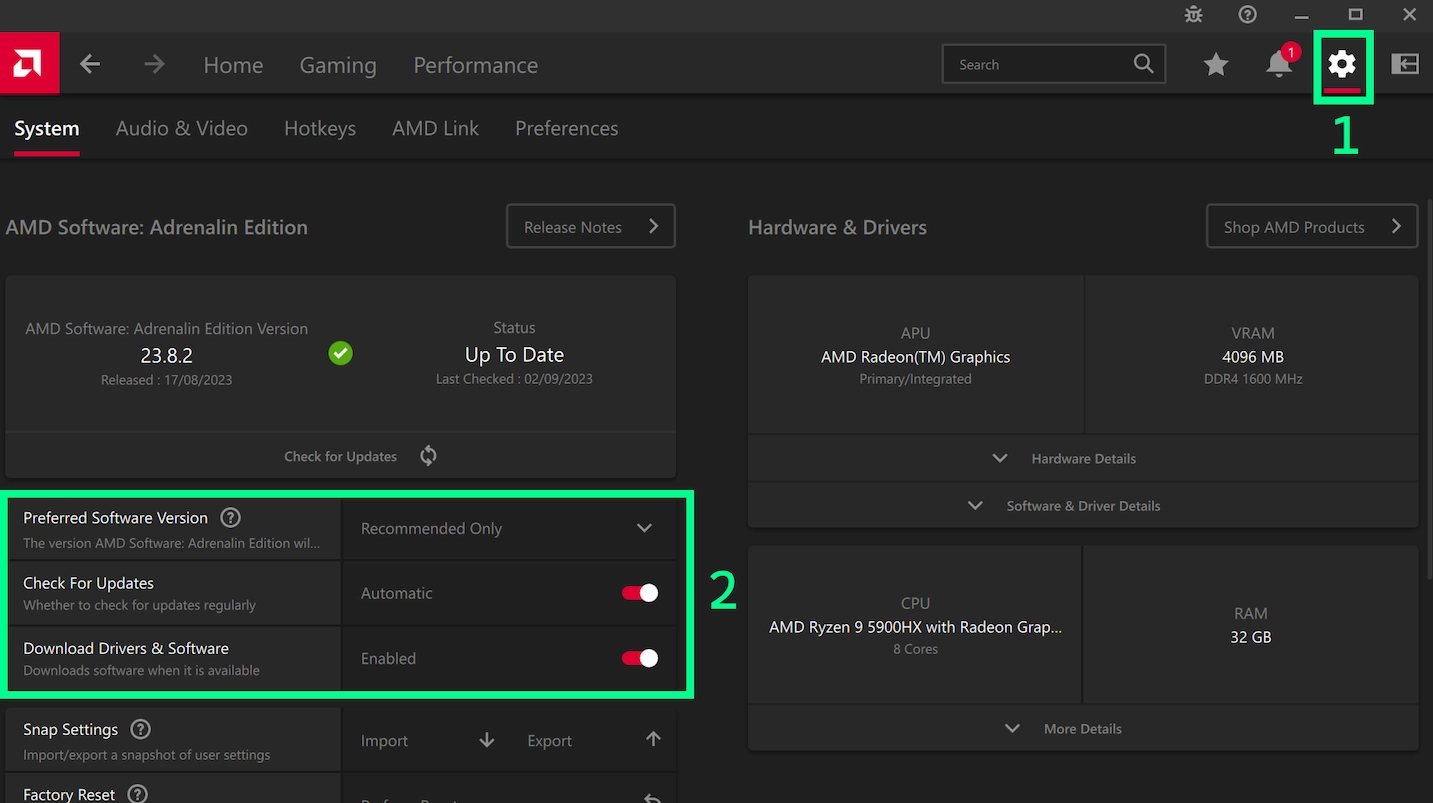
Yes. First, let's fix your AMD drivers. Follow all the steps in this guide carefully: https://www.amd.com/en/support/kb/faq/gpu-601 Then check for Windows Updates and let them install, then reboot again. Once you've done that, change your Windows graphics settings so that it prefers the dedicated NVidia graphics card for Java.
-
-
-
The version you are using is no longer supported on this forum. Please update to a modern version of Minecraft to receive support.
-
For zoom, you can use this: https://www.curseforge.com/minecraft/mc-mods/ok-zoomer-forge Regarding performance, I've personally found Optifine to make things worse than Vanilla. While optimisation mods aim to improve performance, they do not account for all combinations of hardware and may make assumptions which improve performance on some systems and make it worse on others. MC 1.20 had some significant performance improvements and your hardware's decent, so you shouldn't need Optifine at all.