
Cadiboo
Members
-
Joined
-
Last visited
Everything posted by Cadiboo
-
could you post your itemInit class? I believe that there is also a way to register your egg at the same time as registering your entity which could eliminate the problem
-
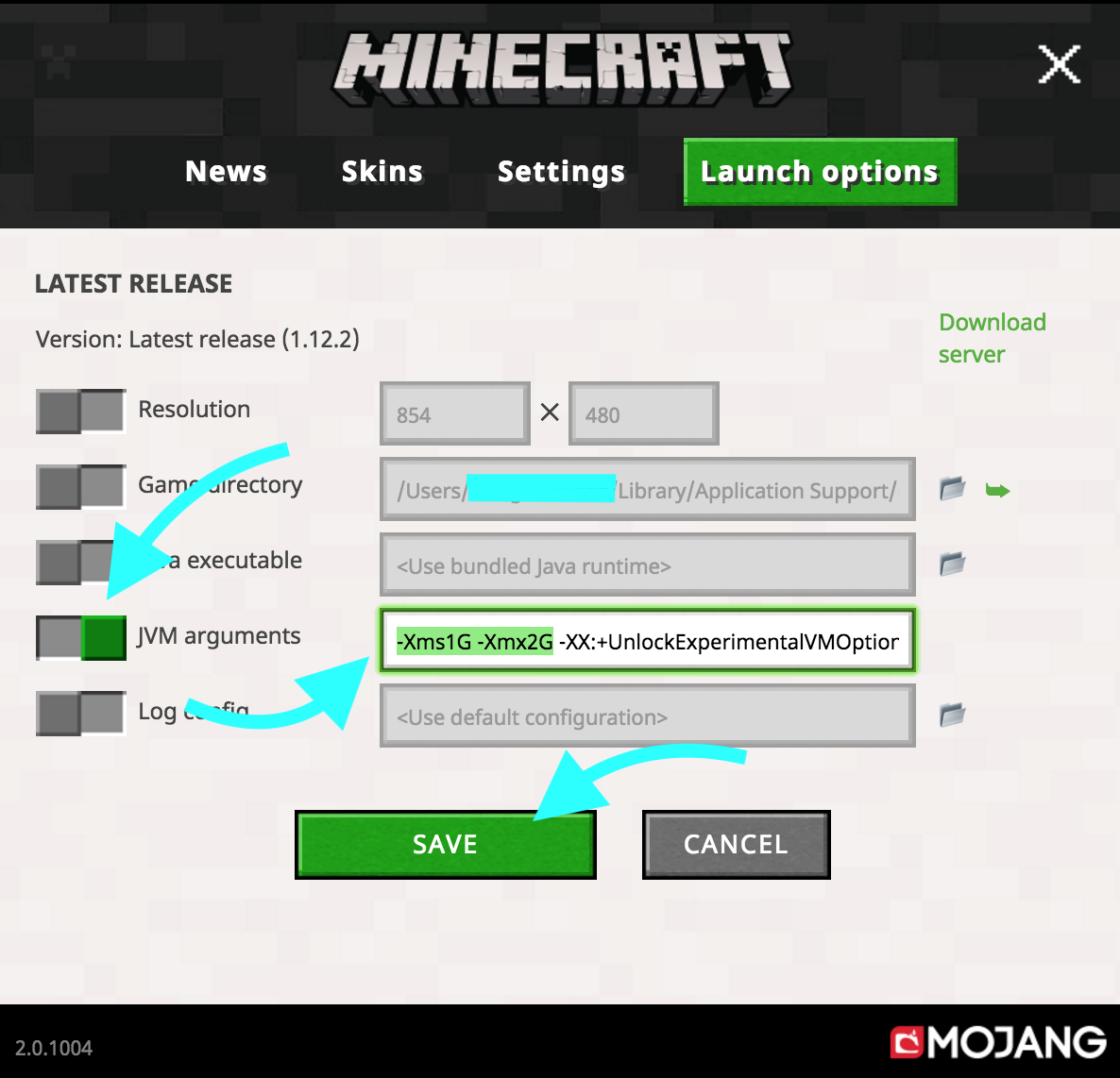
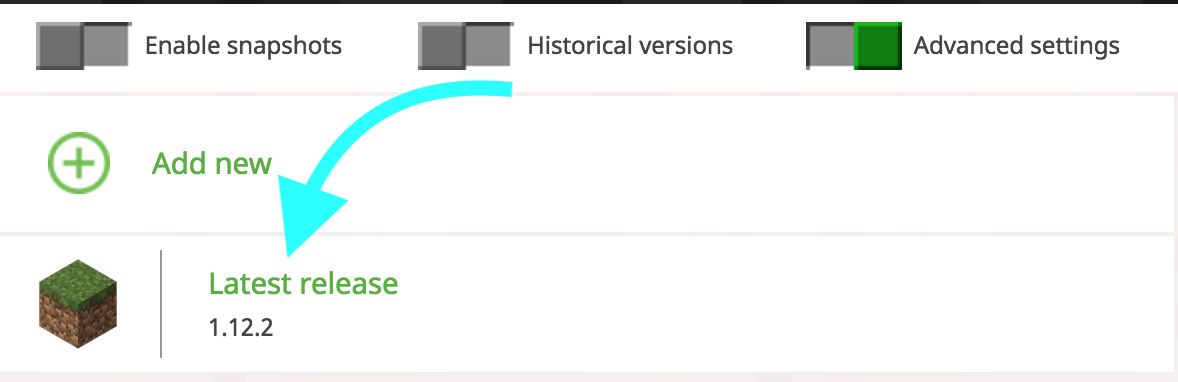
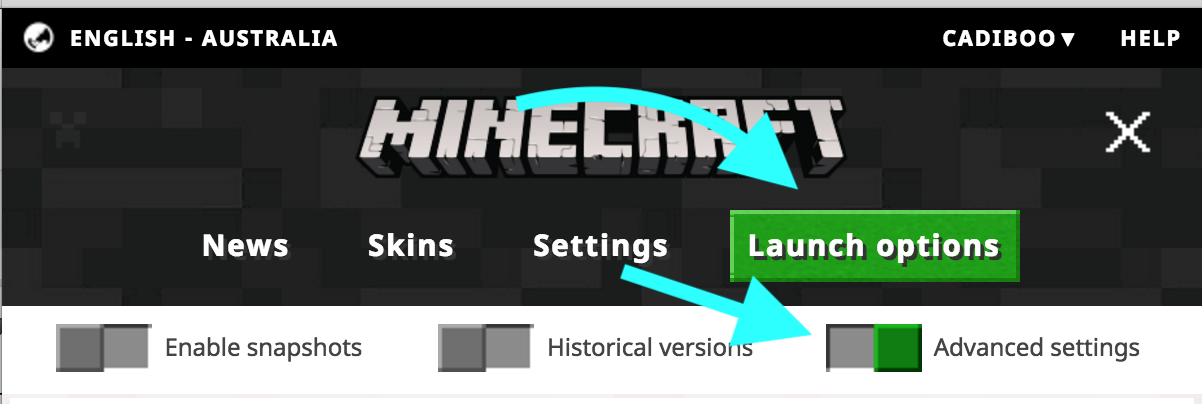
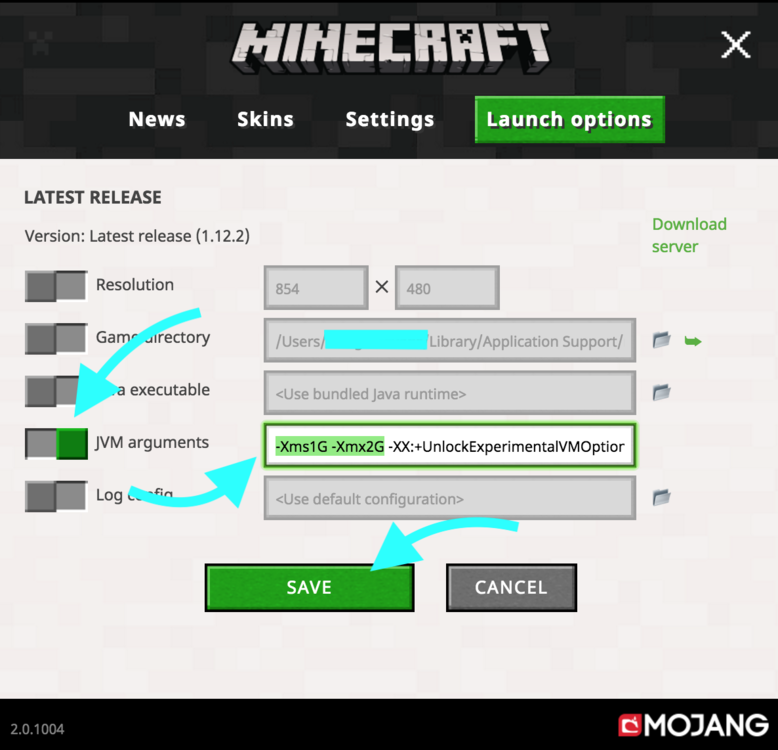
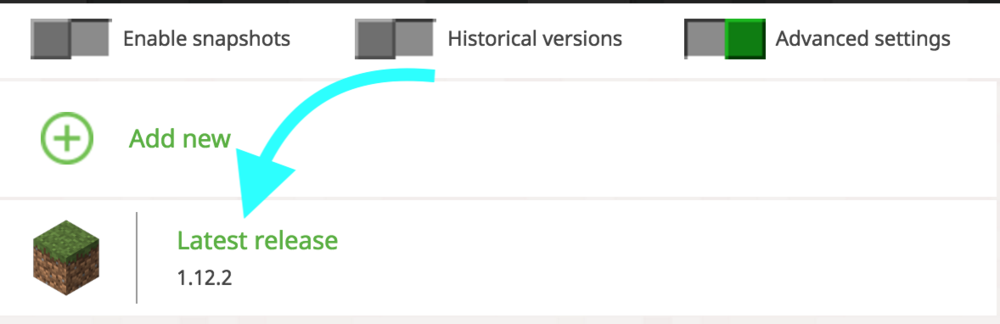
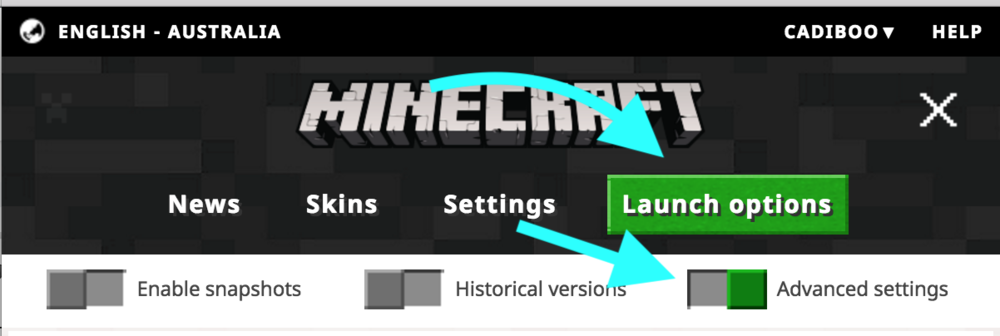
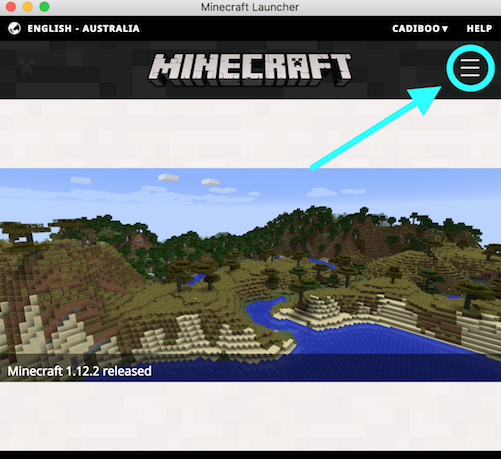
1.7.10 is no longer supported on this forum but since this is an easy fix: allocate more memory (ram) to minecraft. you are only giving minecraft a MAXIMUM memory usage of half a gigabyte and it is trying to start up using even less (43 megabytes). to use an analogy this is like trying to drive a tuck on a tight rope. It has nowhere near enough space to run. Normal minecraft should be happy with 1 to 1 and a half gigabytes of memory but after installing forge you should up the memory to 2-2 and a half gigabytes. the more mods you have the larger the amount of ram minecraft will need to run. TL;DR Configure Minecraft to use more Memory (RAM) by going into your launcher > Menu > Launch Options > Enable Advanced Settings Then click your version (mine was 1.12.2 but it doesn't matter because these settings have stayed the same since minecraft was created) Yours will probably be something like "Forge 1.7.10" Enable JVM Arguments Change (or add if they don't exist) -Xms and -Xmx to something like -Xms1G -Xmx2G What these Values mean (from https://stackoverflow.com/questions/14763079/what-are-the-xms-and-xmx-parameters-when-starting-jvms) The flag Xmx specifies the maximum memory allocation pool for a Java Virtual Machine (JVM), while Xms specifies the initial memory allocation pool. This means that your JVM will be started with Xms amount of memory and will be able to use a maximum of Xmx amount of memory. For example, starting a JVM like below will start it with 256MB of memory, and will allow the process to use up to 2048MB of memory:
-
Im new to modding and am trying to create a block that renders in a non standard way (with triangles). From what I've looked at it seems that forge provides a way (or used to provide a way?) to render a custom block. I know this is possible for Tile Entities but my block is just a normal block without any special data. Any help would be appreciated EDIT: Trying to do this in 1.12.2
-
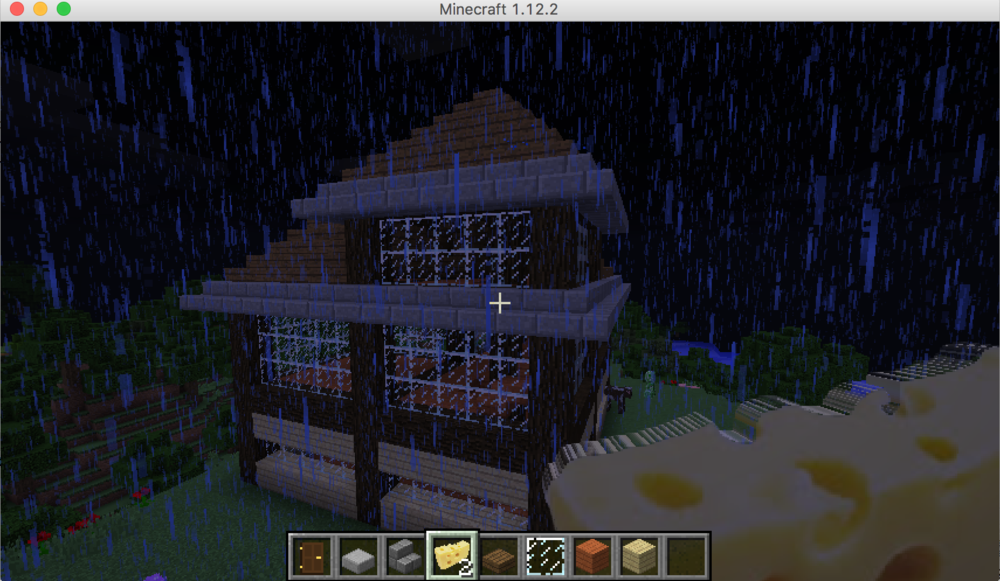
thanks so much for the help it worked!! Any tips on how to make it render without the lines? render it 2d or something?
-
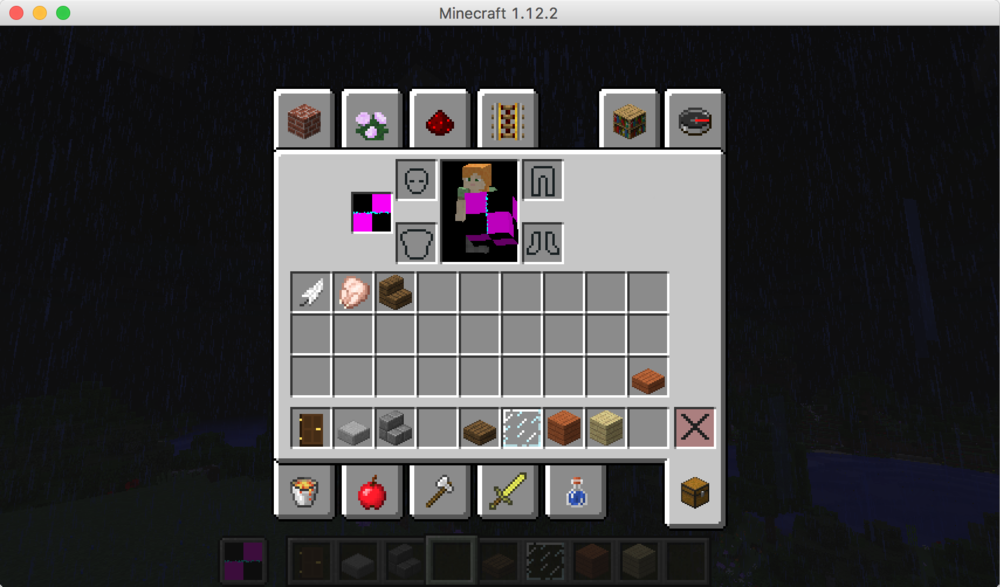
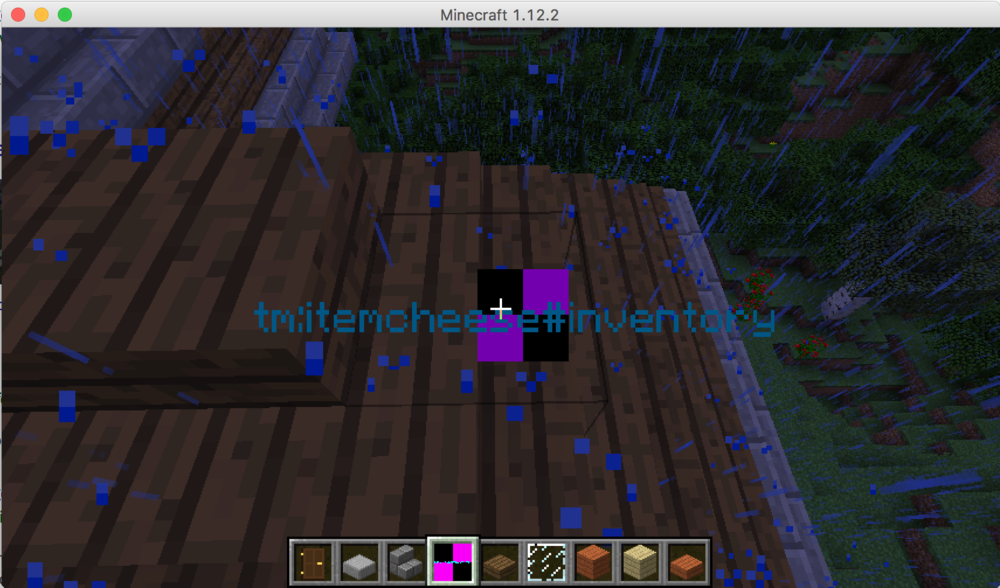
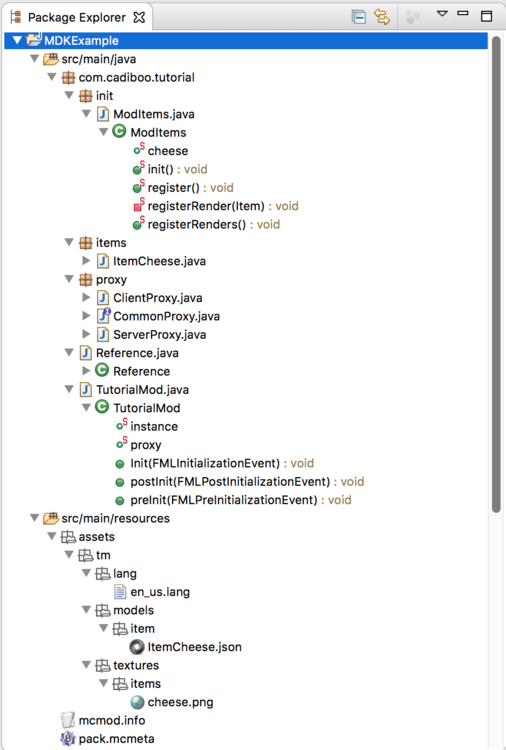
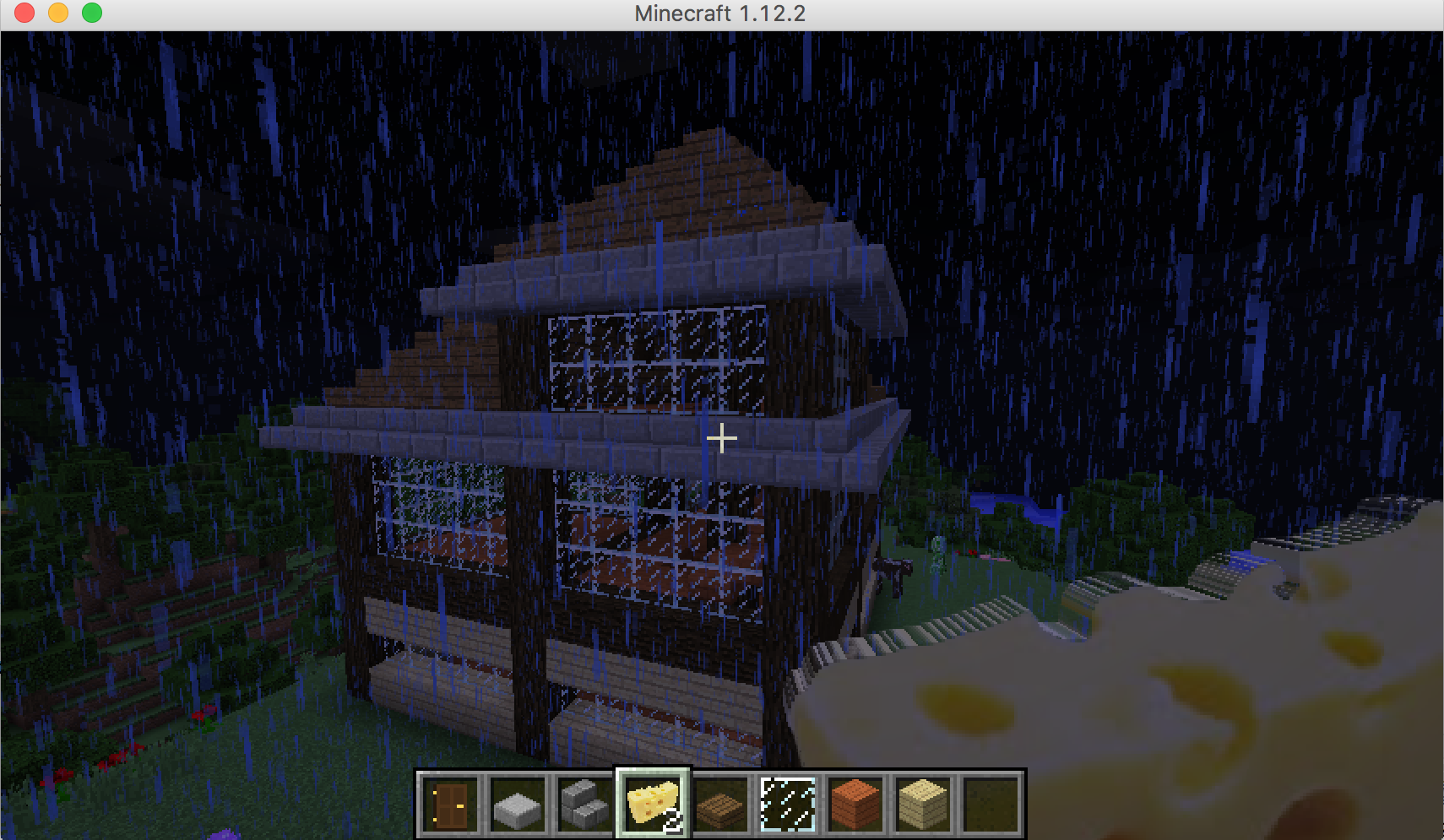
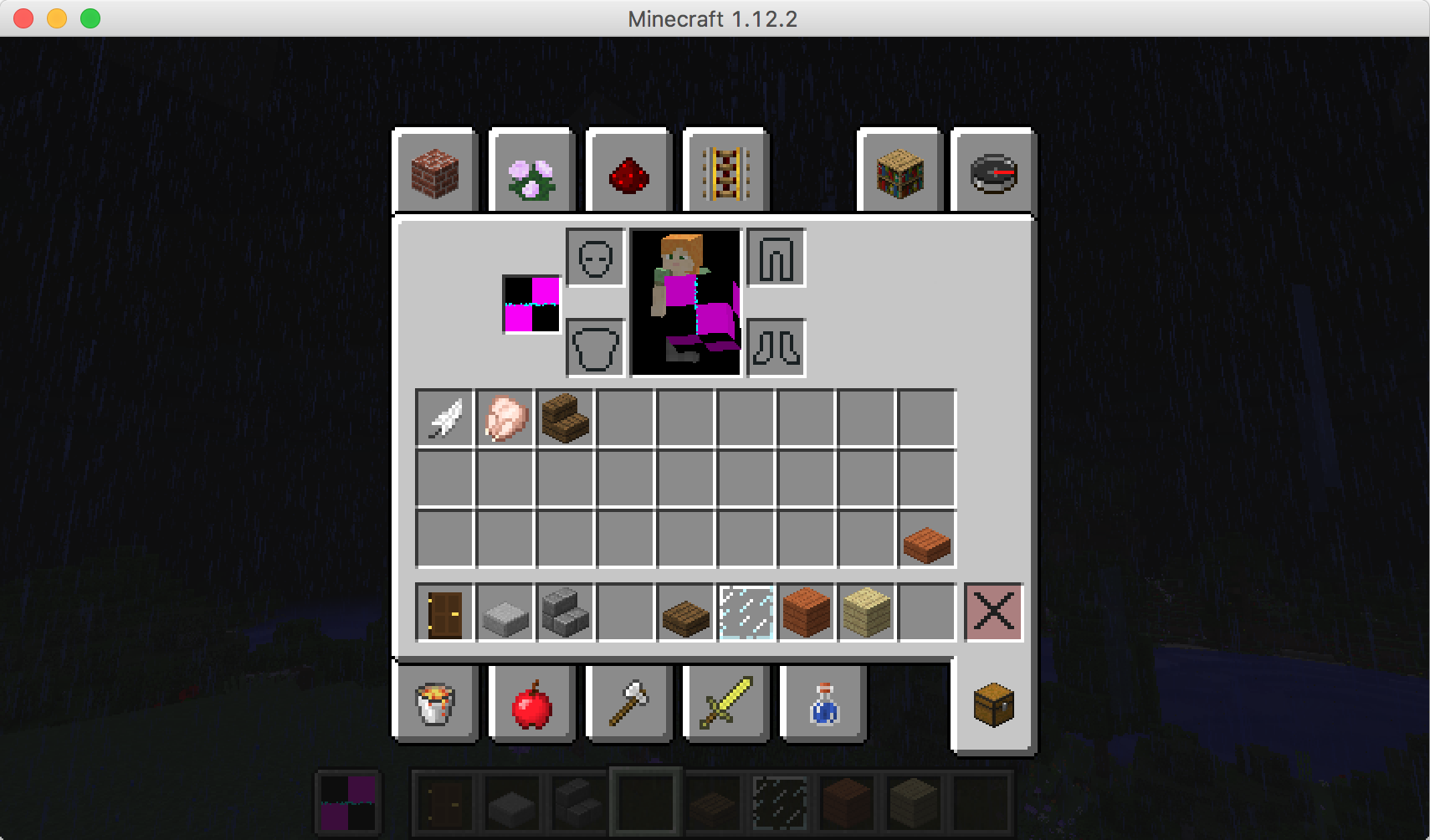
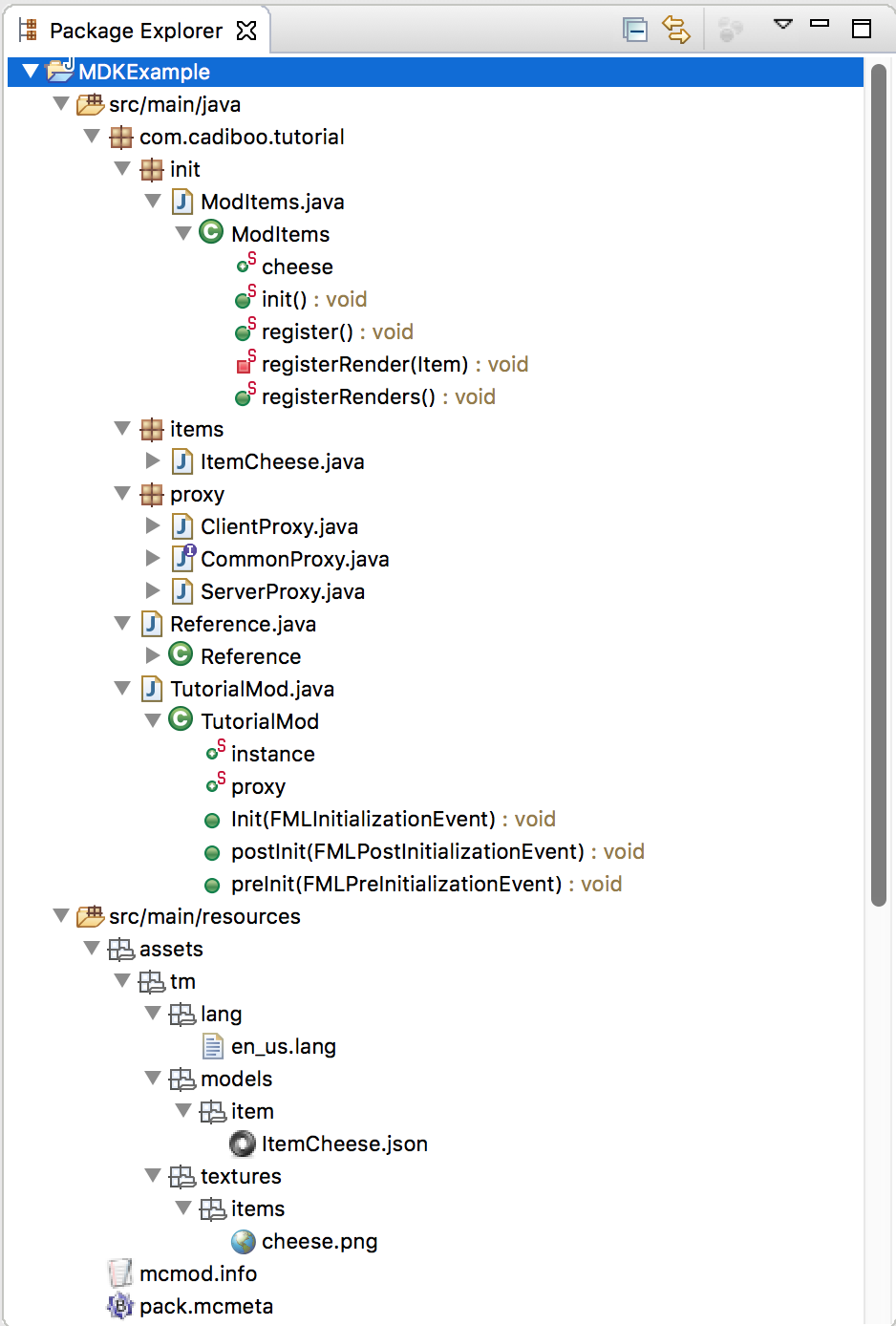
EDIT: First post so sorry if I put this in the wrong section or posted it wrong! Item Rendering has Error texture & has words (Registry Name?) over the error texture No idea what I'm doing wrong, I've just started modding and followed this tutorial to get the basics https://www.youtube.com/watch?v=ncJ78Qgf-Ws Ive updated the Game Registry part to the latest syntax and have followed this tutorial exactly (asside from using a 256x256 image instead of a 16x16 one for the Item image) However when i give myself the item this is what i get - The item tracks my cursor, but with a small delay. - My Item JSON structure: { "parent": "builtin/generated", "textures": { "layer0": "tm:items/cheese" }, "display": { "thirdperson": { "rotation": [-90,0,0], "translation": [0,1,-3], "scale": [0.55,0.55,0.55] }, "firstperson": { "rotation": [0,-135,25], "translation": [0,4,2], "scale": [1.7,1.7,1.7] } } } - Using Eclipse - Package Layout