




Draco18s
Members
-
Joined
-
Last visited
Everything posted by Draco18s
-
You need to create a new class that extends GuiContainer. Look at the vanilla examples of such. You will also need one that extends Container (again, look at the vanilla examples). And a class that implements IGuiHandler
-
Okay then. In any case, the code you've posted cannot destroy blocks.
-
"Huh, I want to know if this object is the same as this other object. Maybe I should compare them."
-
Do not use setHeldItem You want to insert or extract items from an Inventory? Step 1: Use GetCapability to get the inventory Step 2: Use the insert/extract methods to insert and extract Also, what the bollocks? Why is this method in your entity class at all?
-
Pretty much this. We can't actually tell what's going on under the hood (without reading the code, assuming that we even understand it if we do, and that there isn't additional magic going on deep down in the JVM). We just have to accept that it does what it does in a way that does what we actually want to do. And given what you are trying to do, and what this function actually does, work at cross purposes, you shouldn't use it.
-
Well, addCreatureType is definitely not how you examine what the possible values are.
-
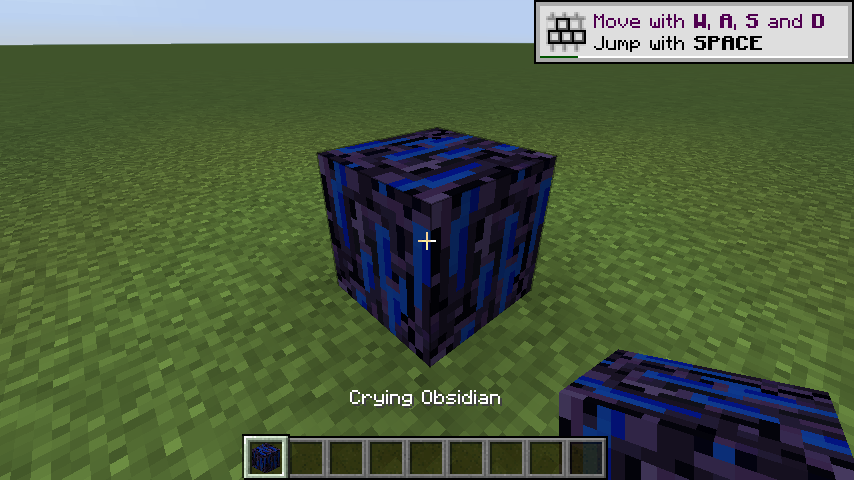
I do not get the indicated problem.
-
That is not how that event works. For 1, your function is a void function, meaning it returns nothing and you're trying to return whatever LootTableHandler.DRAGON_LOOT is. Two, that's not what that event is for. Yes, its to modify the drops, but it does so outside the context of loot tables.
-
Then stop using it. It does not do what you think it does (which is clearly "who knows what")
-
You don't know what EnumHelper does, do you?
-
It's a method in the Item class It goes in your item's class.
-
That line cannot cause that error. Post your entire mod, preferably on a complete git repository, so I can run it.
-
...and which line is like 24?
-
Override getSubItems()
-
Caused by: java.lang.ArrayIndexOutOfBoundsException: 5 at BlockBase.java:24 You have not posted this code.
-
You need to register the item for having a color tint as well.
-
1) You have to do it server side 2) Use the server's player list
-
This thread is a year old, if it didn't solve your problem start a new thread which contains all relevant info, such as your code and any errors.
-
That would be correct.
-
Note that if you are on 1.11 or newer the file name should be en_us.lang (all lower case) due to pack format 3 enforcing an all lower case format for all resources.
-
You realize "common" is both sides, right?
-
This is the client. Not the server. This will crash the server. The only player here will be the local user.
-
Your Item class is broken. You need to call Item::setHasSubtypes(true) https://github.com/Draco18s/ReasonableRealism/blob/1.12.1/src/main/java/com/draco18s/ores/item/ItemDustSmall.java#L23
-
No
-
It's a registry name, it doesn't point AT anything. new ResourceLocation(SuperTNTMod.MODID + ":large_tnt") ...is fine, its just used as the registry name. Also, resource locations should never include a file type (do your blocks and items? no). The texture referenced by your renderer is null. Namely, this line:
