DaemonUmbra
Members
-
Joined
-
Last visited
Everything posted by DaemonUmbra
-
If you want to make a Server-Side GUI I don't think you can use anything from Minecraft's built-in GUI Utilities, you will likely need to build one from scratch. Edit: I am an idiot who did not read the whole thread
-
It looks like CustomNPCs errored out Forge and it propagated because dependencies
-
Aren't the mods with updates available the ones that have emeralds next to them in the mods list?
-
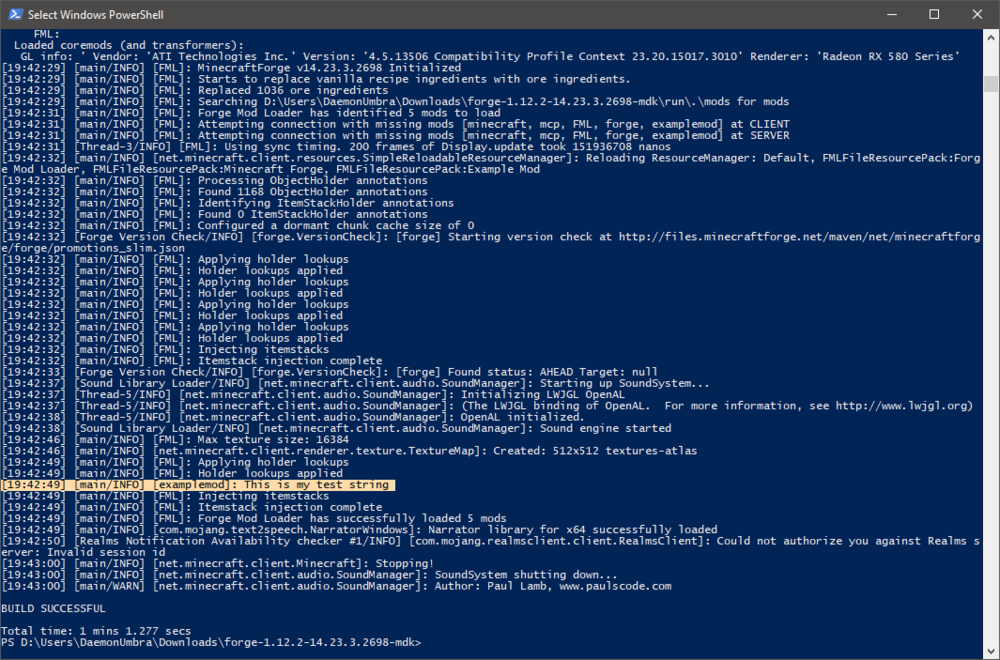
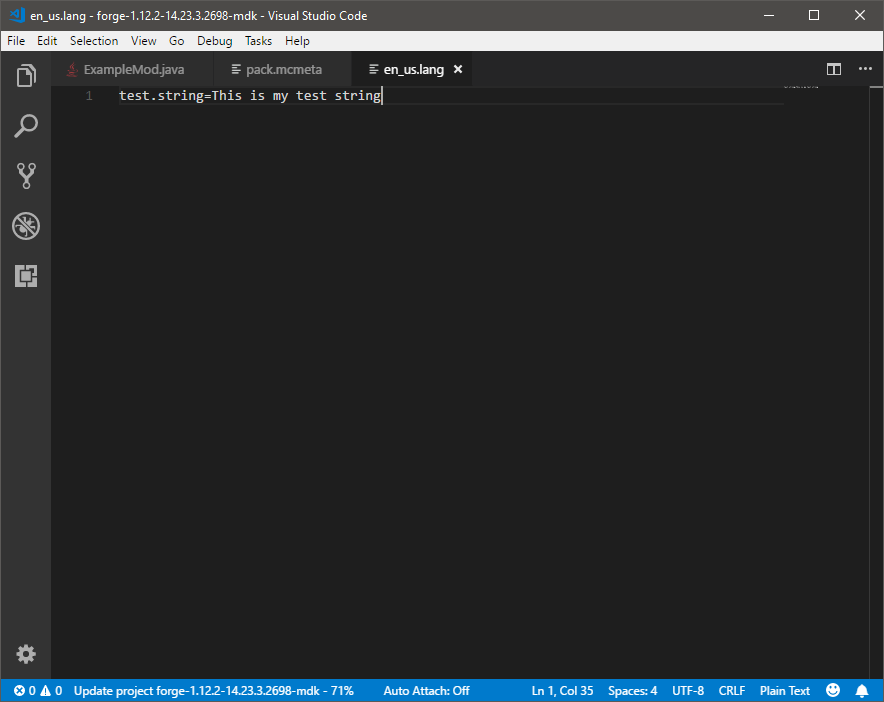
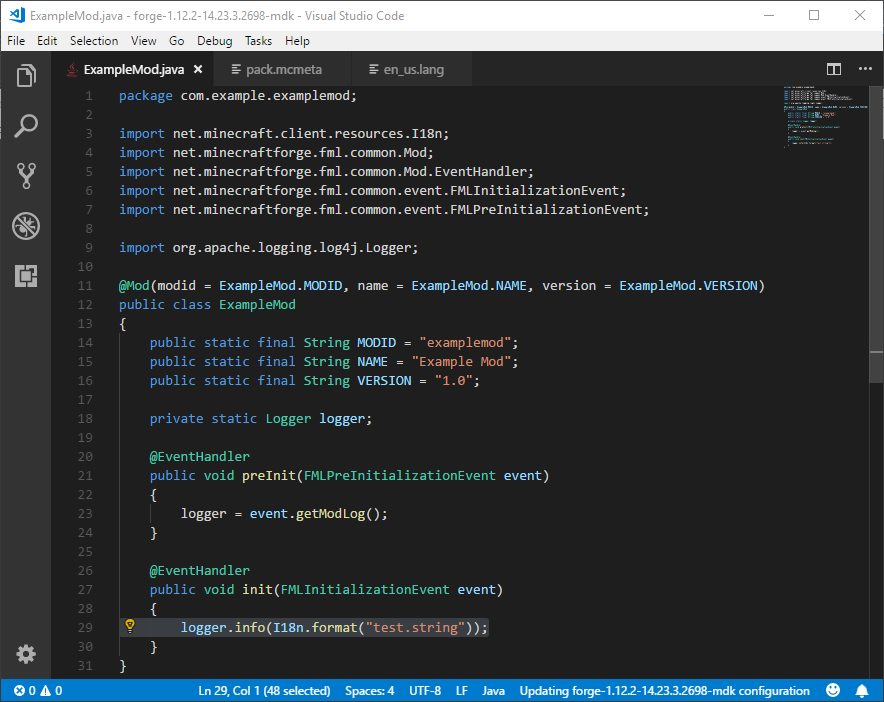
I just grabbed the latest version of forge, ran a test and in the quick test I did the lower-case-named en_us.lang worked fine.
-
Two mods are trying to register the same metal with Tinkers, you'll have to choose which one to use or check the config for both mods to see if you can stop one of them from registering it.
-
Try this (in a spoiler because YouTube player is obnoxiously big):
-
Provided the mods have been programmed correctly, if not then things will crash and the log should make it clear who the offender is.
-
What's different between you and him? - From the server's point of view: Nothing He will need all the mods too
-
If mods are programmed to identify themselves properly, mods that don't need to be on one of the sides with be automatically ignored by Forge, so it's good practice to have them all on both sides.
-
And are you sure that mod is either on both the server and client or alternately removed from both?
-
Does it not mention missing mods on your screen when the server drops you?
-
Your attachment is broken...I get an error page
-
Please learn to use GitHub if you plan to share code, there are many Git Clients that make it simple (sometimes too simple)
-
Those are hacked clients...
-
1.7.10 is no longer supported on this forum, please update to receive support.
-
From EAQ: You need to use Java 8
-
Please post your fml-client-latest.log Please use pastebin or a similar site to do so.
-
Unfortunately some mods stick with their own hosting, such as AnimalsPlus which I don't see on Curseforge. Mods like this can usually be found through links posted on the Minecraft Forum, but you should always be wary downloading mods regardless.
-
I know how to do it, I was testing how complete the effect would be and beyond vanity, i.e. the display name, there seem to be no other changes unless a password is also provided.
-
One of the mods you are using requires the PlayerAPI mod, which you do not have installed.
-
Please see http://stopmodreposts.org, 9Minecraft is known to rehost mods without permission, stick ads on mod downloads, and mark them as compatible with versions that they are NOT in order to get more clicks.
-
Can I ask what you're trying to achieve with this, as setting the account wont completely work without giving the password as well.
-
Taking a look at the arguments that the launcher is giving your minecraft instance, the last argument wins so: I'm assuming the first one is the one you put in and that looks to be enough, however there is a second argument that is overruling it and setting the memory to not even enough to run vanilla. Take a look in your settings and remove the one from the end.
-
By "freezes" do you mean it stops doing things and then quits or freezes and you force quit it?
-
That doesn't look like the forge download page, please make sure you are downloading Forge from files.minecraftforge.net and nowhere else, while you are at it please look at http://stopmodreposts.org/. I would also recommend deleting whatever file you got from that site, including files you have gotten from it in the past, and running a virus scan on your computer. The reason for my recommendation should become clear after a quick read of StopModReposts.