





Cadiboo
Members
-
Joined
-
Last visited
Everything posted by Cadiboo
-
What exactly are you trying to do? This topic might be helpful.
-
Restarted my computer & reran the command and now I've got a functioning (compiled obviously) dev version of optifine... That was weird
-
Actually it makes them have the enchantment table runes texture, close to the same thing though
-
I've tried that and I couldn't get it to work. It just made an exact copy of the Optifine jar, without renaming anythingAlso don't use the keepInventory hackI'm using the compiled binary (I can't find any other version) as a library, which directly references obfuscated Minecraft classes. For example, I get these errors

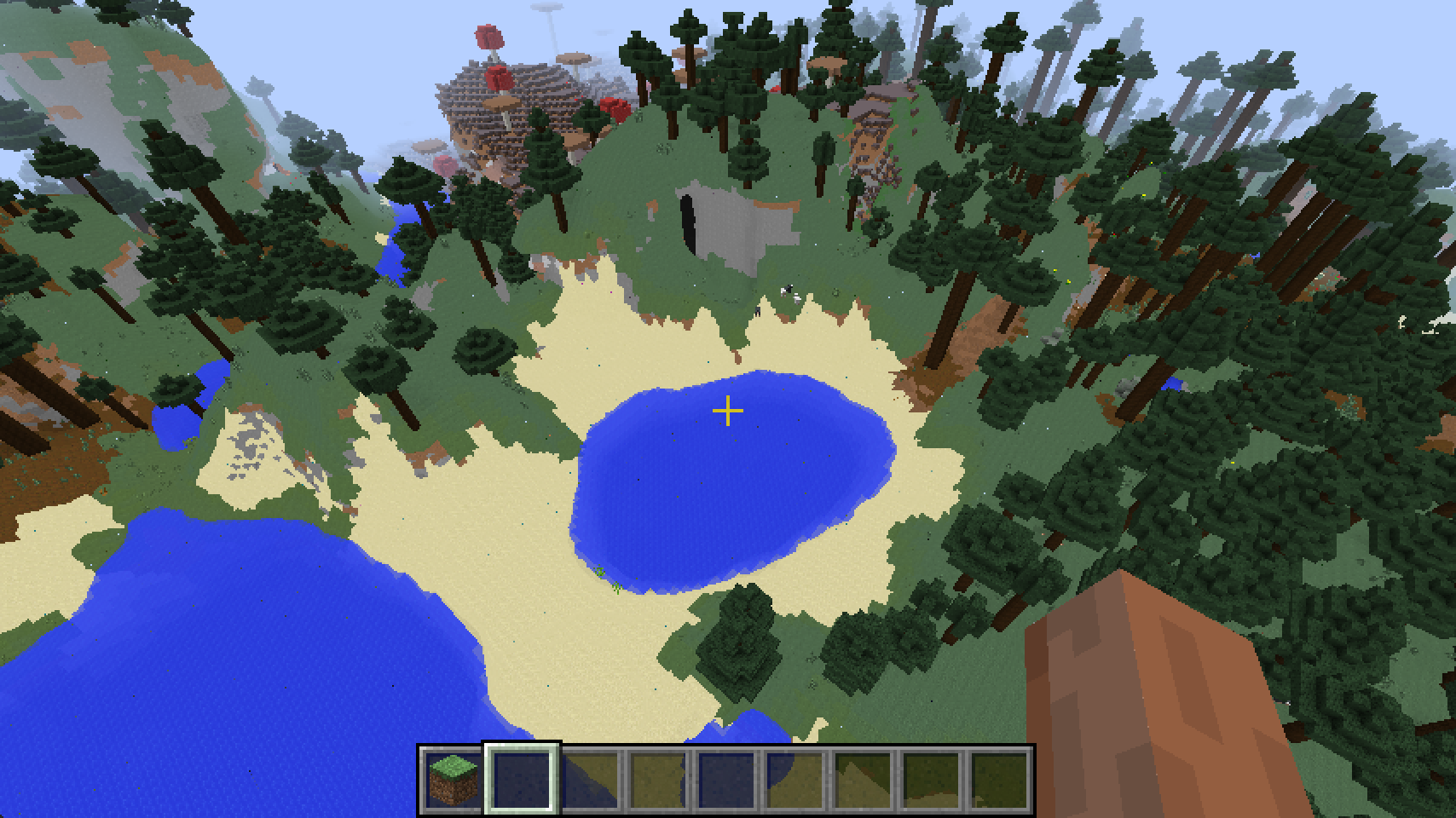
 https://github.com/Cadiboo/WIPTechAlpha/blob/master/src/main/java/cadiboo/wiptech/block/BlockModFurnace.java https://github.com/Cadiboo/WIPTechAlpha/blob/master/src/main/java/cadiboo/wiptech/tileentity/TileEntityModFurnace.javaOptifine only works with specific versions of forge. Read the Optifine changeling for your optifine version to find out what versions it works withtry removing "mrnobody_morecommands"Does anyone know how I would get a dev copy of Optifine into my workspace? I can get a partially working version by using https://github.com/OpenCubicChunks/OptiFineDevTweaker, however I want to be able to use the Optifine classes, and those classes have references to the obfuscated class names, which makes my code uncompilable.They’ve got “public static void” so I assume they’re correctly using the @Mod.EventBusSubscriber annotation. Check your imports (its highly unlikely that there’s another LivingDeathEvent, but it’s possible)Finished NoCubes (for the moment) https://github.com/Cadiboo/NoCubes Screenshots: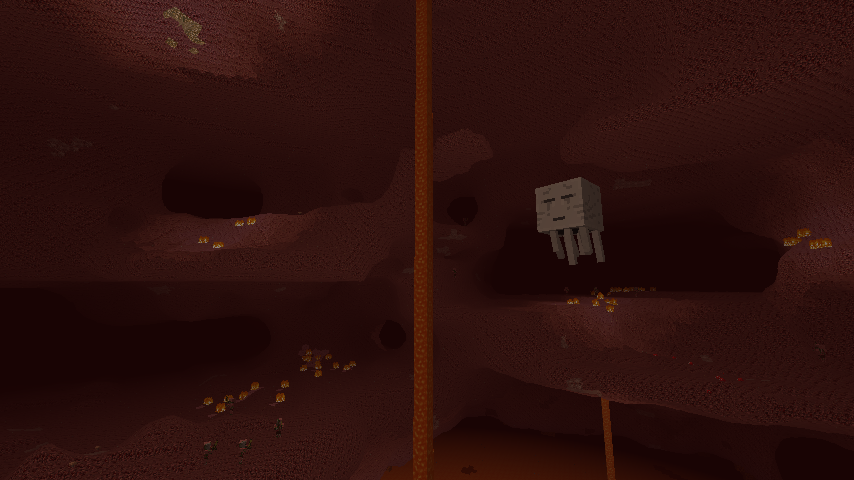
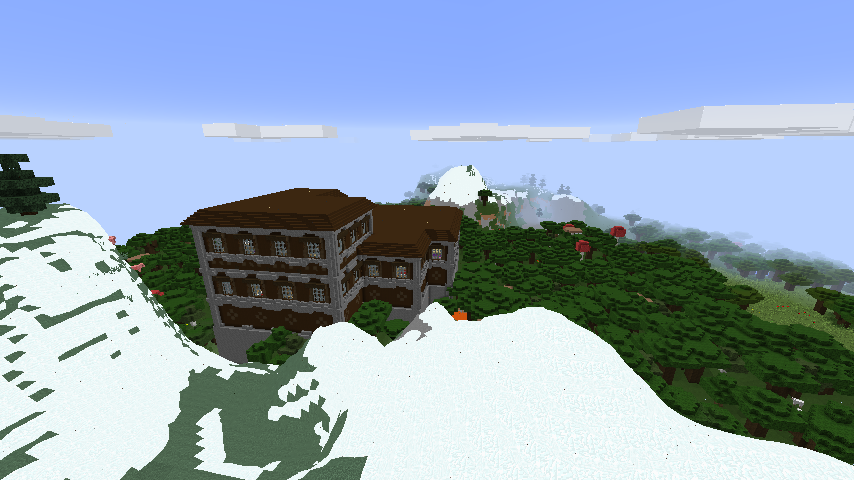
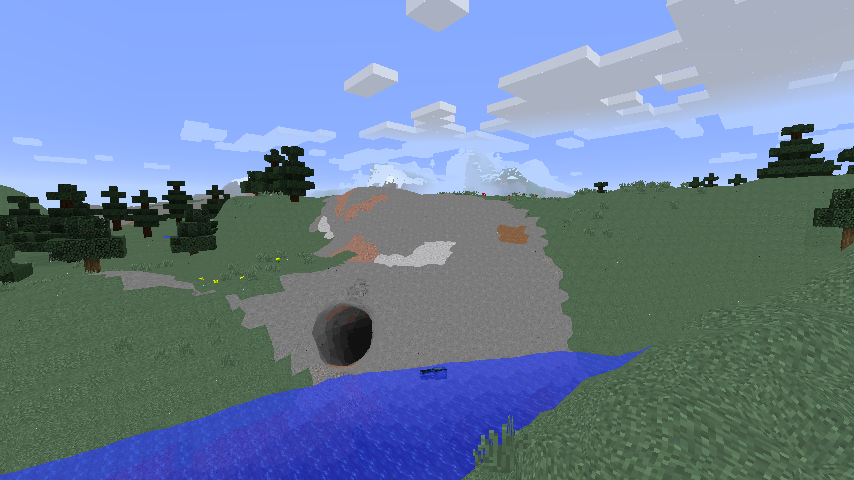
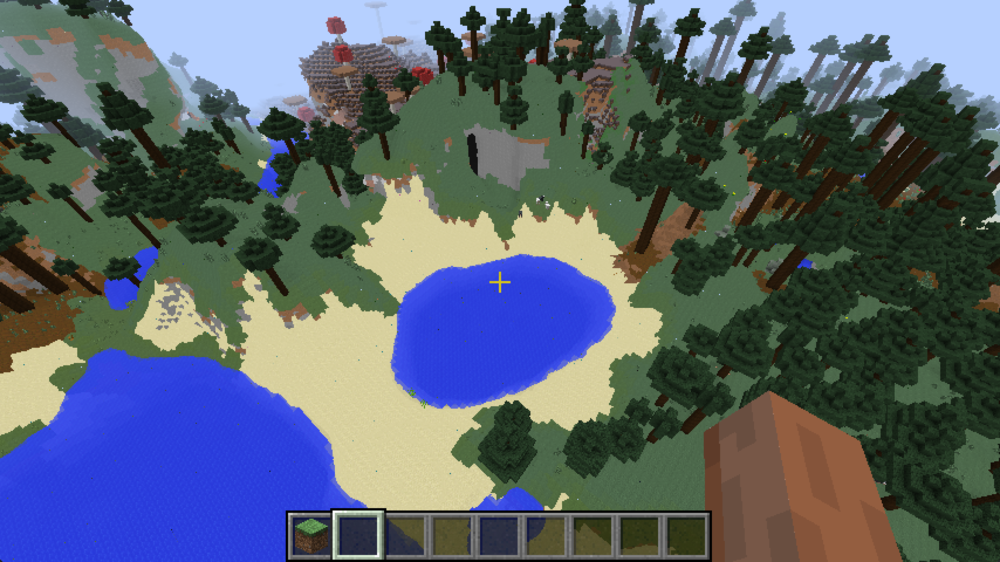
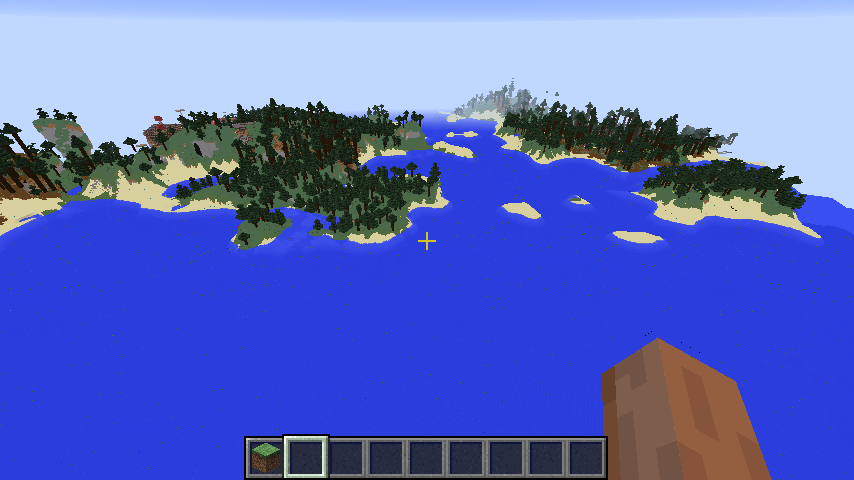 Don't hijack someone else's thread, start a new thread. It might not be the same problemWhat else would you set it to? the unlocalised name is used for translation. It makes pretty much no sense not to use the registry name. You might want to take a look at https://github.com/Cadiboo/Example-Mod, It's a base workspace that you can just download and start modding in. Here's an excerpt from the README of the repository. Modding with Minecraft Forge is pretty simple, but it has quite a few conventions & pre-requisites that are unique to it and are actually pretty important and vital to having your mod work properly. I’ve been Modding for a little while, and have been programming & coding for a few years now so I’ve put together an Example Mod to help new modders start Modding (in the correct way, using the right conventions etc) as fast as possible, with as little hassle as possible and with as few problems as possible.It's been on the table for the Forge Team for a whileFinished both the coremod and NoCubes (for the moment) https://github.com/Cadiboo/RenderChunk-rebuildChunk-Hooks https://github.com/Cadiboo/NoCubesIf you can use JSON, use it.What arguments does it ask for?YepDon’t get the player, get the current view entityHow are you registering your event subscriber?There are many many mods written for the latest version AND you have people who know how to (and will) help you with any problems you may run into^ This would allow mods to be added and removed without restarting the gameWhat draco18s said as well as You can’t control the order of when they are instantiated. This poses a problem for items with creative tabs, and creative tabs with item icons, either the item will have a null creative tab, or the creative tab will have a null item, and you can’t control which one it is. Also, you should use @ObjectHolder so people can override your objects



Important Information
By using this site, you agree to our Terms of Use.