




DaemonUmbra
Members
-
Joined
-
Last visited
Everything posted by DaemonUmbra
-
You need to take the debug.log (not latest.log, not one of the compressed files) and use one of the paste sites (Gist yes, GitHub main site, no).
-
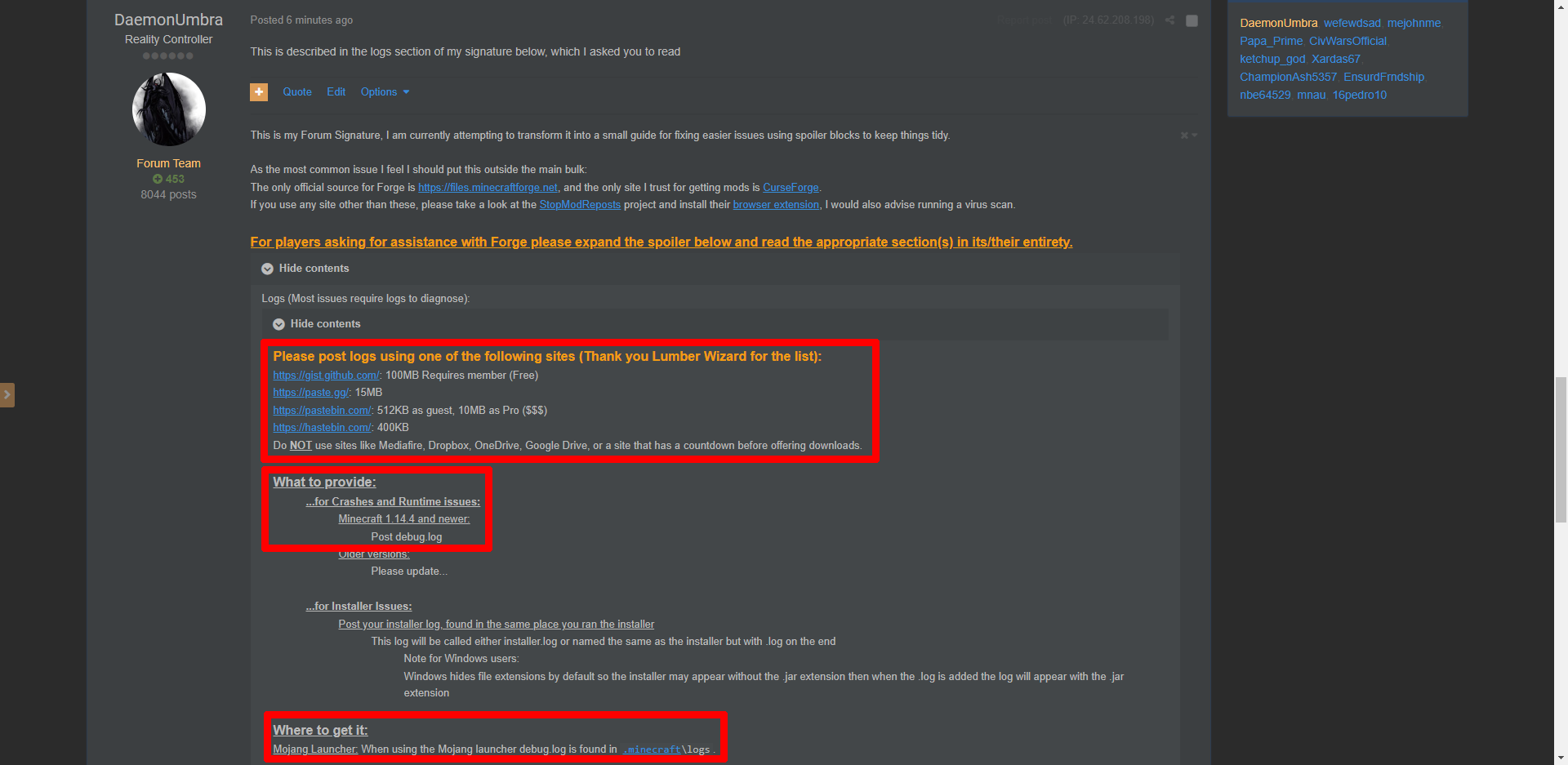
This is described in the logs section of my signature below, which I asked you to readPlease be more specific about which part confuses you, I try to keep it as simple as I can.1.12 is no longer supported on this forum. Please update to a modern version of Minecraft to receive support.What Minecraft Version are you modding?1.12 is no longer supported on this forum. Please update to a modern version of Minecraft to receive support.Please read the Logs section of my signature below and provide the appropriate log in the appropriate manner.The installer is just a Java program, make sure you have Java installed correctly and double click the jar filePlease provide your installer.log (more info in the logs section of my signature below)Please provide your installer log (more info in the logs section of my signature below)Please provide the installer log (more info in the logs section of my signature below)Please make your own thread and provide the installer log (more info in the logs section of my signature below)Liar 1.12 is no longer supported on this forum. Please update to a modern version of Minecraft to receive support.Is this still 1.12.2?1.7 is no longer supported on this forum. Please update to a modern version of Minecraft to receive support.Vanilla has examples1.12 is no longer supported on this forum. Please update to a modern version of Minecraft to receive support.You'll have to wait for this PR to be accepted.1.8 is no longer supported on this forum. Please update to a modern version of Minecraft to receive support.1.12 is no longer supported on this forum. Please update to a modern version of Minecraft to receive support.Are you actually looking for the code or are you just saying so hoping for code handouts? Because if you think about what ToolMaterials represent it's rather obvious.1.12 is no longer supported on this forum. Please update to a modern version of Minecraft to receive support.1.12 is no longer supported on this forum. Please update to a modern version of Minecraft to receive support.I'm not sure what you're asking, are the javadoc comments insufficient?


Important Information
By using this site, you agree to our Terms of Use.