




Ugdhar
Moderators
-
Joined
-
Last visited
Everything posted by Ugdhar
-
Please do not hijack someone elses thread. Create a new thread, and post relevant information to your issue, what you are trying to do, what happens (verbosely, not a summary or in your own words), and post logs/screenshots. This will give you a much better chance of getting help than adding on to someone elses thread saying "me too".
-
You should really try using the forums search function. It works well, and would save you lots of time, especially for commonly asked questions I did a search for "shield", and found a solution in the first 4 links. (might be more than that now that I've posted on here) Asking for help isn't bad, but give a go at finding your own solutions. The forums search and google are great , plus you don't have to wait for an answer
-
The very first thing you should have been asked to do is to post your debug.log. There will be an error in there telling us what is broken.
-
Please post the debug.log from the computer not working as intended.
-
LOL @ 1.12.2 being scribbled out
-
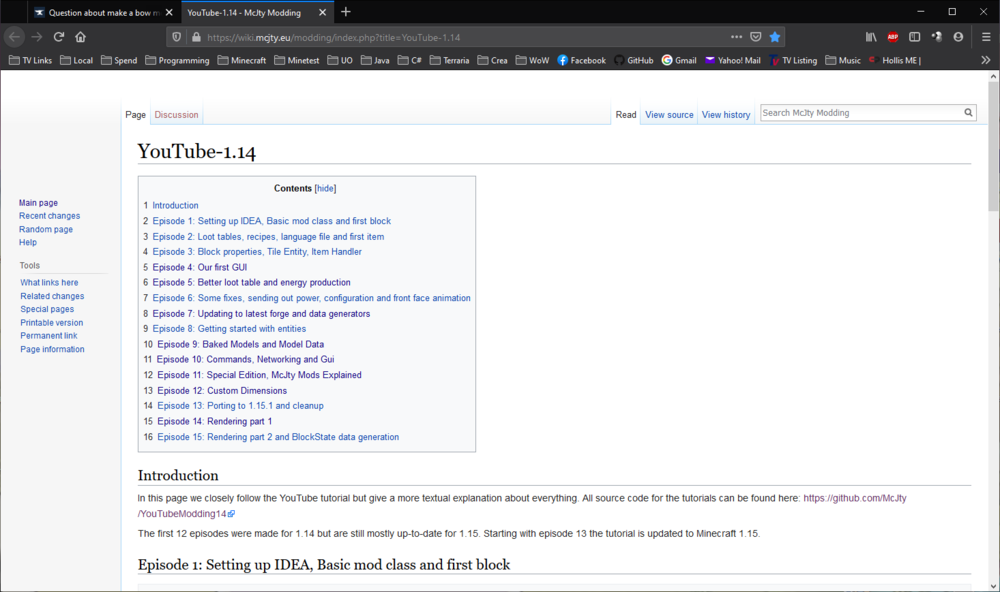
That's weird, because I click it and it takes me to his tutorial index:
-
It's a matter of preference, really. There are arguments for both sides which is better. I would pick one and try it, see how you like it, and you can always try the other if you want, heck you could even use both if you really wanted to I suppose lol. The important part is to use one, because between code completion, being able to look up class/method/field declarations with a hotkey or click, being able to get a list of all the places a method or field is called within the project, and last but definitely not least, being able to view the vanilla MC and forge sources, I can't imagine how anyone would or could mod without one!
-
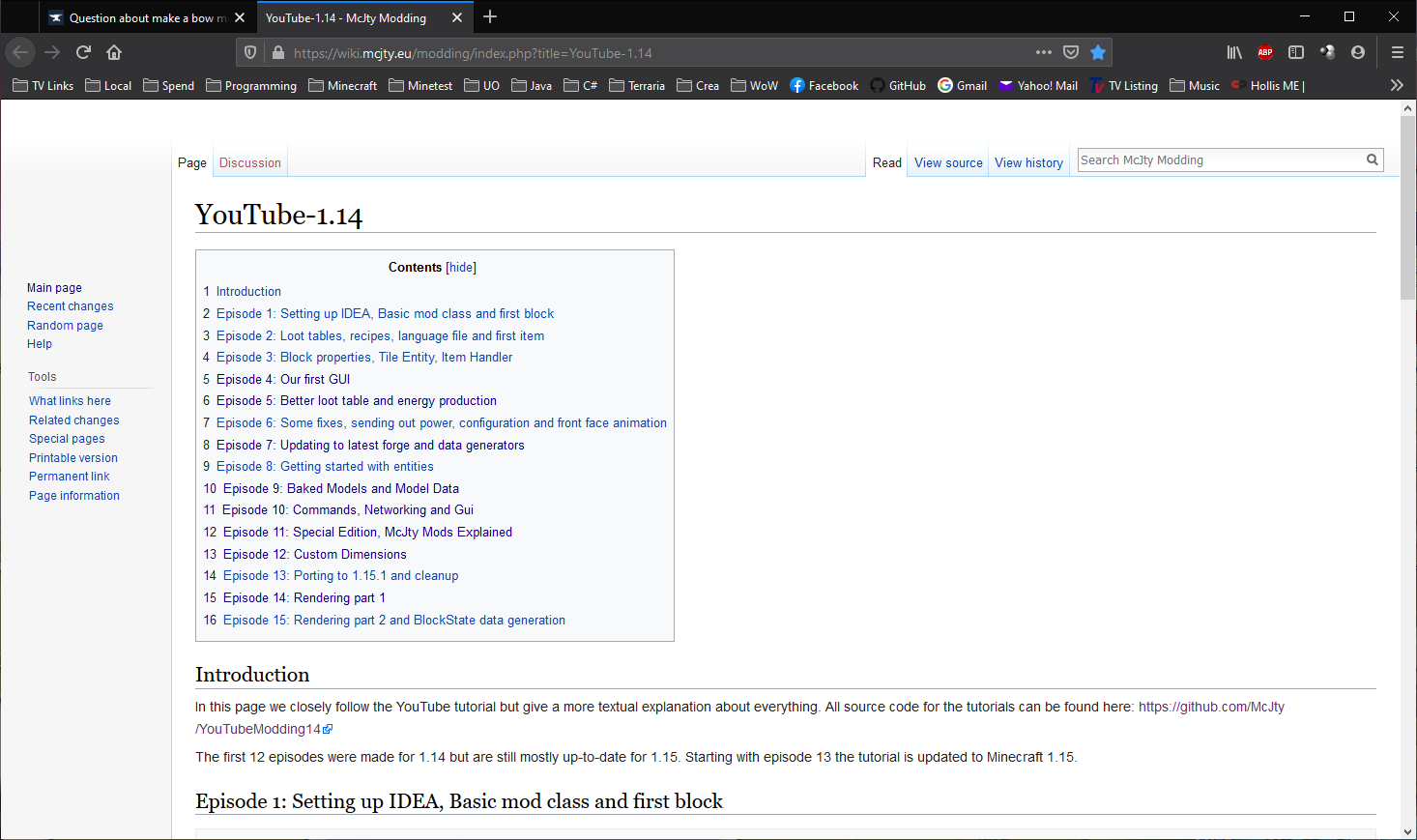
Almost any beginning java tutorial will help. Google "beginning java tutorial", and pick any of the first ones that pop up that are not advertisements, and they will likely help. You will also need an IDE, the 2 most popular are intellij IDEA and Eclipse. It will not be easy, you will not begin right away with making mods or cool flashy java programs. You will be making a lot of lame calculators and name lookup things and console based stuff in order to learn things like syntax, keywords, classes/objects/OOP, scope, the list is too exhausting to cover here. I can promise almost every programmer here has made a bunch of a throwaway programs/code snippets, never to be used or thought of again, between when they began programming and now. It's part of the learning process! I would study and practice basic Java for at least a week. Then, look for a forge tutorial, McJty has good ones https://wiki.mcjty.eu/modding/index.php?title=YouTube-1.14. See if you understand the Java concepts being described, if not, make notes of what you don't understand, and dive back into Java tutorials. Also once you understand basic/intermediate Java, you can look at the vanilla source code, and see how they do things, for examples for your own projects. And if you have questions about forge (not basic Java), you can find answers here, you just need to post your code (get a github account if you don't have one, and learn how to use it), logs (debug.log is always a must for anything that runs but crashes/doesn't work), and a good explanation of what you are trying to do (from the end user/player perspective).
-
I would update Java, I think vanilla even ships with a newer version than this one
-
I only work with recent versions, sorry, so I won't be of any help with 1.12. 1.12 is no longer supported, you should update to a modern supported version. The LTS link at the top of every page has information on supported versions.
-
Well, if you don't provide more information, no one can help you. The information you have provided doesn't give ANYTHING to go on lol. Just post your build.gradle, since it's obviously broken?
-
I would say probably post build.gradle since that's the file it's yelling about
-
You need to have Java installed. If not, you can get it from https://adoptopenjdk.net/,get the Java 8 hotspot. If you do have java installed, then likely something hijacked the jar file association, google jarfix, get it and run it, and it should correct it. If you did not have java, you won't need to do this after installing java fresh.
-
What version is this for?
-
Unfortunately, I do not believe MCreator is supported here. Most of the folks here use straight up Java for making mods. You would probably have better luck asking on an MCreator forum (not sure if they have one, but they should!) It would take time, but my suggestion would be to learn Java (google "learn java" or "beginning java tutorials"), which will allow you to get the most out of forge modding.
-
Also, you probably want to download the forge installer, not the launcher.
-
Really old versions are no longer supported. Please update to a modern version (1.14.4/1.15.2) to receive support. More information on supported versions can be found in the LTS link at the top of every page.
-
It will be in the logs folder of your minecraft folder, which by default in Windows is %APPDATA%\.minecraft Also, to save you time and effort, make sure this is for version 1.14+, as older versions are no longer supported.
-
I do not know how to do it myself, I haven't had the need to yet, but: Look through the vanilla sources in the places where you've seen it happen (for a block or item or whatever it was that you saw), and see if you can do it in the same way. The vanilla source shows how to do all kinds of things
-
In the launcher, you can create new installations, and tell it to use a different folder, and give it a different version of minecraft and/or forge to use. Just click Installations at the top, and play around with making a new one until you figure it out, it's pretty easy when you start messing with it
-
That looks like the debug.log to me! Try removing vanillafix, it is for 1.12 as far as I can tell looking at curseforge.
-
Make sure you have Java installed, I would use Java 8 If you definitely have it installed, google jarfix and run that, it looks like Internet Exploder has hijacked your jar file association.I don't have skype, sorry. If you can post it on youtube or something you can post a link to it here. Alternatively, you could share exactly what it says on the screen, it might help.Are you new to modding, or new to Java? Overriding a method is very basic Java/OOP. If you are new to Java, then unless you are well versed in a similar language, you will have a Bad Time trying to mod. If this is the case, I would strongly advise looking up learning java on google, and start small.



Important Information
By using this site, you agree to our Terms of Use.